Edit Decision List Export for Finishing and Archival
EDL export prepares offline edits for conforming to full-resolution media in color finishing.
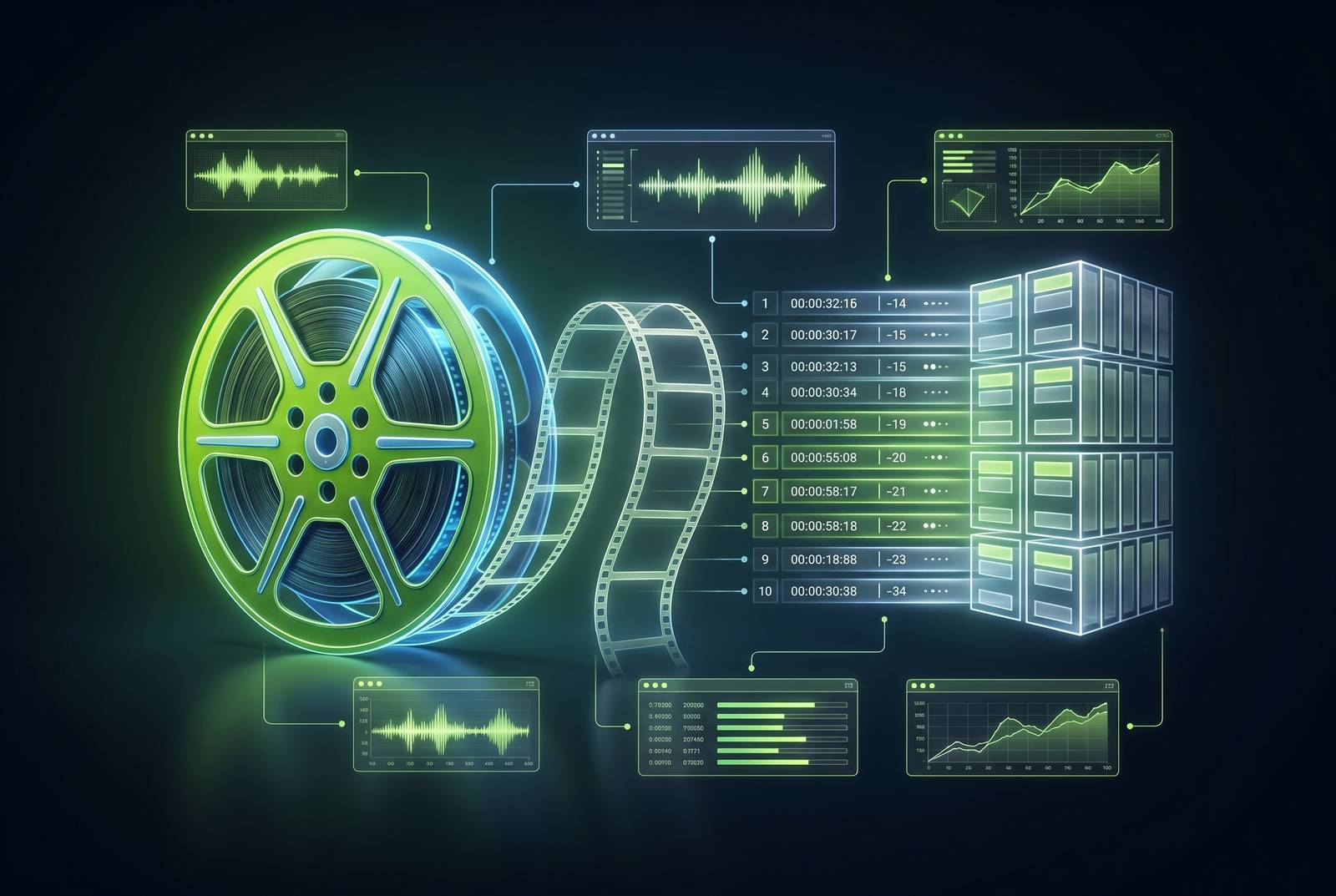
An Edit Decision List is a text file that tells any compatible system how to rebuild an edit from original source media, independent of the software that created it. That portability is the entire reason EDLs still govern the handoff between offline editing, color finishing, and long-term archival, decades after the format was built for tape.
What an EDL contains
An EDL does not hold footage. It holds a record of decisions about footage: for every event in a sequence, it lists a source clip identifier, the source in and out points, the record in and out points on the timeline, the track assignment, and the type of transition used to get from one shot to the next. A system reading that list does not need the original project file to reconstruct the cut. It needs only the list and the media the list points to.
That separation between instructions and media is what gives the format its reach. An EDL ties the sequence to nothing but the data itself.
The precision inside that data matters as much as its portability. The order of events in the file carries the same weight as their content. Because the list is sequential, importing it does not just recreate individual clips, it recreates the relationship between them in time, so the rhythm of the edit survives the transfer along with the shots themselves.
None of this is a recent invention. The frame accuracy built into the format is also the property that makes the conform process, described in the sections that follow, reliable enough for professional finishing work.
What an EDL cannot carry
The same constraints that make an EDL dependable also put a hard ceiling on what it can describe. An EDL was built around a single video track, a small set of basic transitions, and no mechanism for layered or effects data, so it can only ever represent a fraction of what a modern multi-track timeline actually contains.
CMX 3600, the most widely supported EDL format, handles one video track along with cuts, dissolves, wipes, and speed variations including freeze frames. The format was never meant to carry it.
Color grading and sound mixing sit outside the EDL as a deliberate limitation. It is why colorists and sound mixers treat an EDL as a starting point for their own work rather than a finished package: the EDL tells them which frames to use and in what order, and everything about how those frames should look or sound gets built from there.
A complex timeline, one with multiple video layers, speed ramps, or layered effects, needs more than an EDL to travel intact. Used alone, an EDL in a complex project will reconstruct the picture but leave everything else behind.
That limit is also what makes the format correct for a specific job. For a clean, single-track picture cut heading to a colorist or finishing house, the EDL's narrowness becomes its value: nothing to misinterpret, nothing proprietary to fail to open, a structure every finishing system has supported for decades. Simplicity, used in the right context, is not a shortcoming.
How EDL export fits into the offline-to-online conform workflow
The conform is the moment an EDL's frame accuracy either does what it promises or fails in a way everyone notices.
The most common version of this handoff looks like this: an editor cuts offline in Premiere Pro using lightweight proxies, then sends an EDL to a colorist working in DaVinci Resolve, who uses it to automatically assemble the same sequence from the full-resolution camera-original files. The EDL instructs Resolve to pull specific sections of each source clip and lay them out in the same order and duration as the offline cut. The system does not adjust or interpret anything in that process, it executes the list as written.
That rigidity is also where conforms break. When that mismatch occurs, the conform stops cold at that specific event, and the colorist is left manually relinking a clip that should have matched automatically.
Preventing that failure starts before export, not after. Once the file is exported, it should be verified by conforming it in the target system. Frame rate conversion, timecode interpretation, and transition handling can each introduce single-frame errors that remain invisible until someone actually runs the conform and watches for them.
A test conform run before the project reaches the colorist catches these problems at the point where they cost almost nothing to fix. The conform logic governing a color suite and the conform logic governing a game-engine cinematics pipeline are, at bottom, the same discipline applied to different media.
Exporting an EDL from the major finishing and editing applications
The mechanics of exporting an EDL differ from one application to the next, but the preparation behind every export, a clean timeline, consistent reel names, the correct frame rate, and a sensible timecode starting point, stays the same no matter which tool generates the file.
In DaVinci Resolve, right-click the timeline in the Media Pool and select Timelines, then Export, then EDL. The export dialog that follows allows format selection and track configuration before the file is written.
In Baselight, open the Shots view, click the gear pulldown menu, and select Export EDL.
In SGO Mistika, set marks in the Timespace to define where the EDL should begin and end, then go to Media, then Output, then Export EDL2, then Export EDL. A preview of the EDL appears on the right side of the interface before the file is saved, giving a last check before committing to disk.
Frame handles can be added to each shot during this process to pad the cuts, giving room to adjust timing once the material reaches an external NLE.
Across all four tools, the same pre-export checklist applies: clear the timeline of unused tracks and clips, make sure the program has leader and starts at the correct timecode hour, and organize tracks by content, with camera source on v1, opticals on v2, speed effects on v3, VFX on v4, and titles and graphics on v5. That organization keeps a complex timeline legible once it is flattened into a single-track EDL.
EDL versus AAF, XML, and OTIO
EDL, AAF, XML, and OTIO are not four versions of the same file arranged by sophistication. Each one encodes a different scope of editorial information, and sending the wrong format to a given system means that system either cannot open the file or opens an incomplete record of the edit.
EDL, in its CMX 3600 form, is the right choice when the sequence is a clean, single-track picture cut and the priority is compatibility with whatever system receives it.
AAF is the right choice when tracks, audio, effects metadata, and broader project structure need to survive the transfer intact. Exporting AAF out of Avid for a color handoff should exclude audio tracks (uncheck Include Audio Tracks in Sequence) and use Link to (Don't Export) Media as the export method, keeping the file lean and pointed at source media.
XML, including FCPXML and Premiere's XML/xmeml variants, is the right choice when a modern NLE's full timeline structure, multiple tracks, nested sequences, and attached metadata, needs to move between systems. XML was built for exactly this kind of complexity in a way the older CMX format never was.
OTIO, OpenTimelineIO, occupies a different role from the other three. Straight cuts, simple track layouts, and basic timing move through OTIO reliably, but effects, transitions, retiming, and compound clips each require some tool-specific interpretation on the receiving end. What makes OTIO distinct is its readable, extensible structure, which suits it to automation and pipeline tooling in a way none of the older formats were designed for. That suitability is already showing up in production tools: Remotion added an OTIO export agent skill in September 2026, giving AI-generated rough cuts a structured path into the hands of human editors working in Resolve or Premiere.
Put together, the decision is fairly direct. A single-track picture cut going to color calls for an EDL. A multi-track edit going to another NLE or to audio post calls for AAF or XML. Pipeline automation or long-term archival of editorial decisions independent of any one NLE calls for OTIO. A complex modern timeline needing full reconstruction calls for XML or AAF, with an EDL exported alongside to carry the picture track in its most compatible form. None of these formats compete with each other so much as cover different parts of the same handoff, and a complete archival package for a complex project typically includes more than one.
How AI-assisted ingest and metadata tagging changes the EDL
The most common EDL failure, a broken relink caused by inconsistent reel names and timecode, is fundamentally a metadata problem. If the failure originates in metadata, the real question is what happens when the metadata itself gets more rigorous before an editor ever opens a timeline.
AI-assisted ingest is one answer. A media library tagged consistently at the point of ingest, with reel names and timecode locked down from the start, removes the single most frequent cause of conform failure before the editing process even begins. Tools that analyze footage during ingest, reading scene content, emotional tone, dialogue, and camera motion, generate timecoded metadata that makes every clip searchable by editorial criteria. That searchability changes how editors find material: instead of scrubbing through hours of footage, they can search by what happens in a shot.
This matters most where AI assembles a rough cut directly, pulling the strongest moments from hours of footage based on natural language direction from an editor. That assembly is only as trustworthy as the metadata that produced it. If reel names and timecode were clean at ingest, the AI-generated assembly translates into a clean EDL export without extra work. If the metadata was inconsistent going in, the AI-generated cut inherits that inconsistency, and the EDL carries the problem forward into the conform.
The workflow this makes possible runs in a straight line: an editor describes a desired cut in natural language, the AI assembles a structured first cut from properly indexed media, the editor refines that assembly, and the EDL export carries the resulting decisions cleanly to a colorist or finishing house, with no manual relinking and no metadata repair along the way. A platform built to export directly into Premiere Pro, DaVinci Resolve, and Final Cut Pro, rather than requiring a new, separate ecosystem, makes sure that AI-assisted rough cut lands in the finishing system in a format the colorist already knows how to read.
EDL export as an archival discipline
An EDL's value to an archive depends entirely on when it was exported and how carefully it was stored. A file captured at the wrong moment, or filed away without the context needed to use it, delivers almost nothing even though the data inside it is technically sound.
Export an EDL at every major milestone, rough cut, fine cut, picture lock, and final master, because each of those states represents a version of the project that might need to be recovered later. An EDL exported only at final delivery preserves the last set of decisions made, but none of the editorial history that led there.
That history earns its keep in a handful of concrete situations: versioning a project for a different market, remastering an older edit with new color science, or producing legal documentation that proves what was broadcast at a given time. Each of those cases requires more than the final EDL. It requires the EDL that matches the specific state of the project being revisited, which only exists if it was exported at the time.
The deeper justification for all of this is durability. Source media tends to outlast the software used to edit it, and project files have a way of becoming unreadable as applications update past the version that created them. An EDL paired with its original media stays interpretable regardless of what happened to the software in between. EDLs remain usable for recreating edits years after the fact, long after the original project file has stopped opening.
Storing that file well is a small task relative to its payoff. An EDL is a small text file, cheap to keep alongside project files and source material, and its value per byte stored is enormous compared to almost anything else in a production archive. An EDL is not a backup of media but a map pointing back to it, and a map is only useful to someone who can still read the terrain it describes. OTIO's open, readable schema complements an EDL well in this context: where the EDL preserves picture decisions in the most universally compatible form available, an OTIO file can preserve the fuller timeline structure in a format that does not depend on any one NLE still existing by the time someone needs it.
That same milestone discipline pays off in collaboration, not just in long-term recovery. When multiple editors or a distributed team work on a project across weeks or months, a series of timestamped EDL milestones gives every collaborator a shared, auditable record of how the edit actually evolved, not merely where it ended up. The export habit built for finishing turns out to be the same habit that keeps a production's history legible to everyone working inside it.